
Simple on the Outside. Private on the Inside.
Your saved vault data is stored and encrypted locally in your browser. Optional Google Drive synchronization uploads encrypted backup data to your own Google Drive account. License activation and verification communicate with the relevant licensing services.
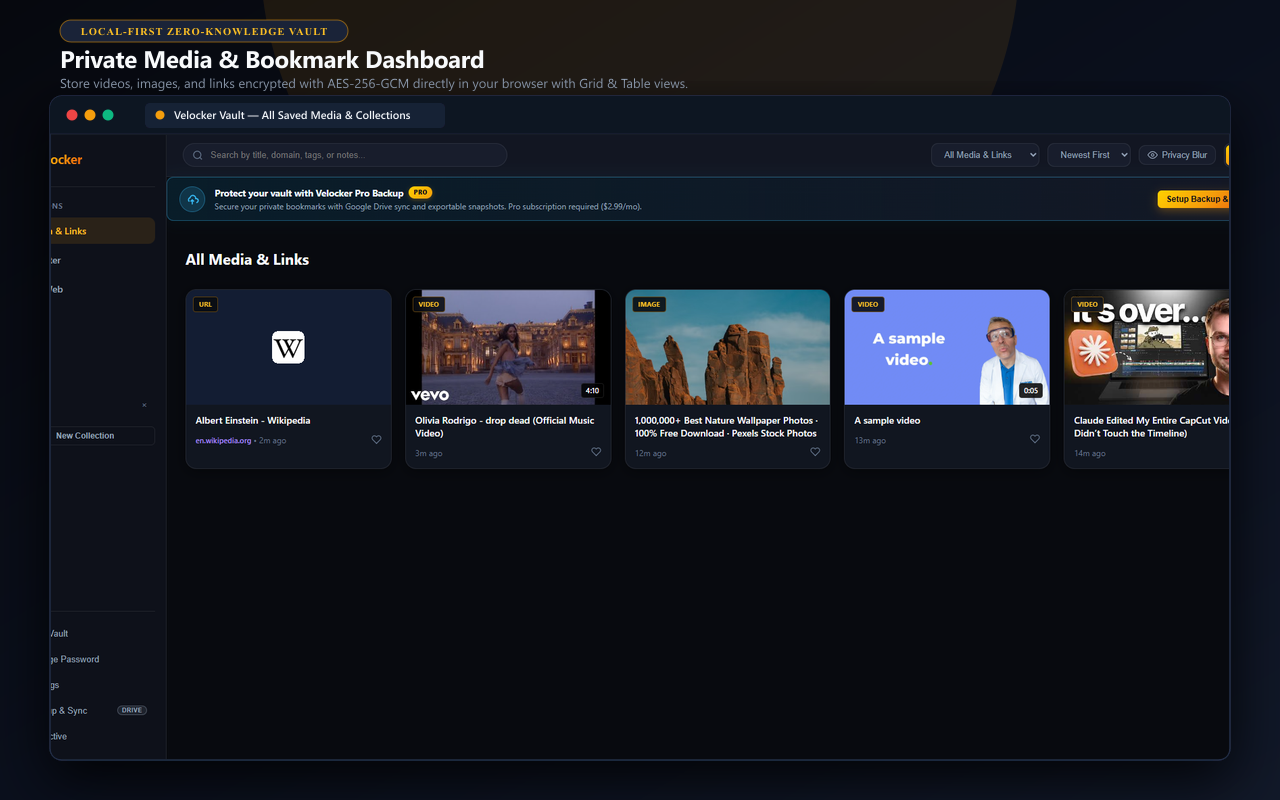
Private Media Vault with Grid & Table Views
Default browser bookmarks leave everything out in the open, and cloud services index your links on their servers. VeLocker keeps everything right inside your browser's local storage (IndexedDB) and locks it with AES-256 encryption. Switch seamlessly between a visual Card Grid and a compact Data Table with batch selection to delete or organize items in bulk.
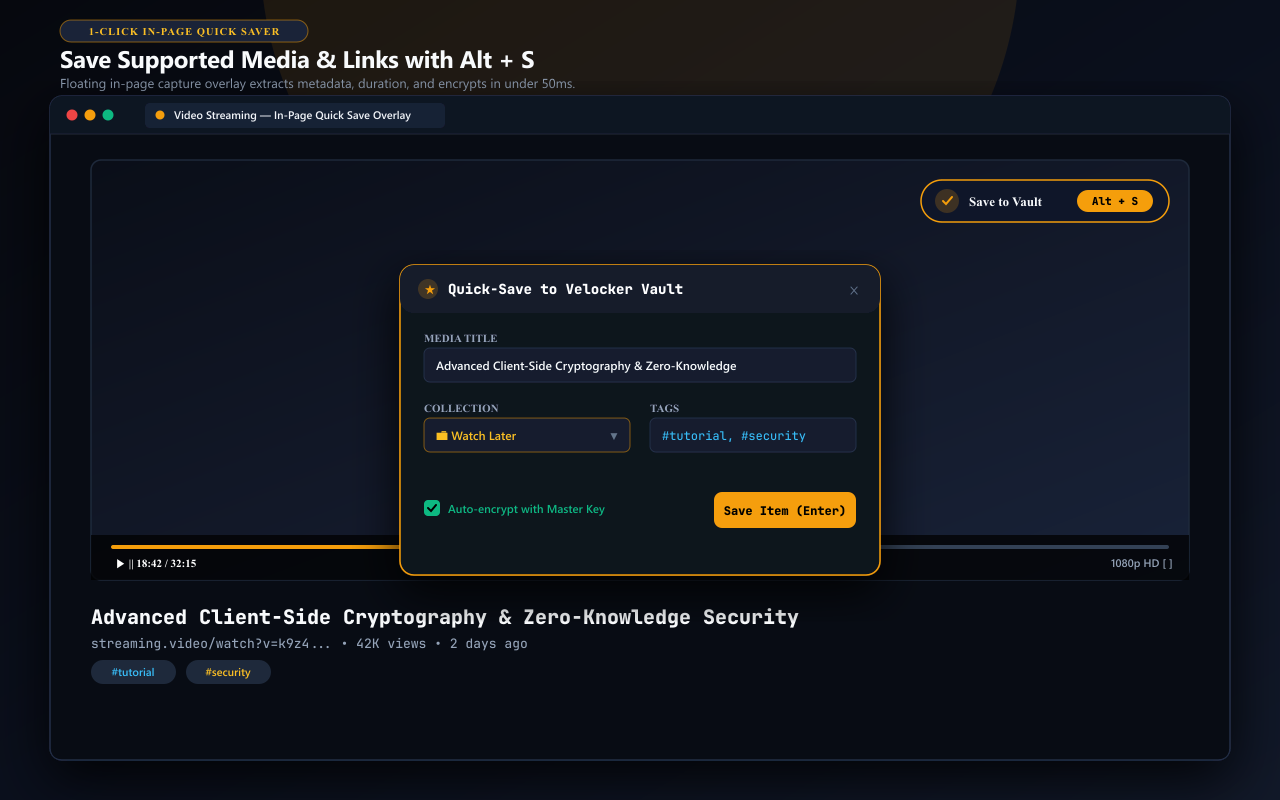
Save Supported Video Links, Articles & Research Pages
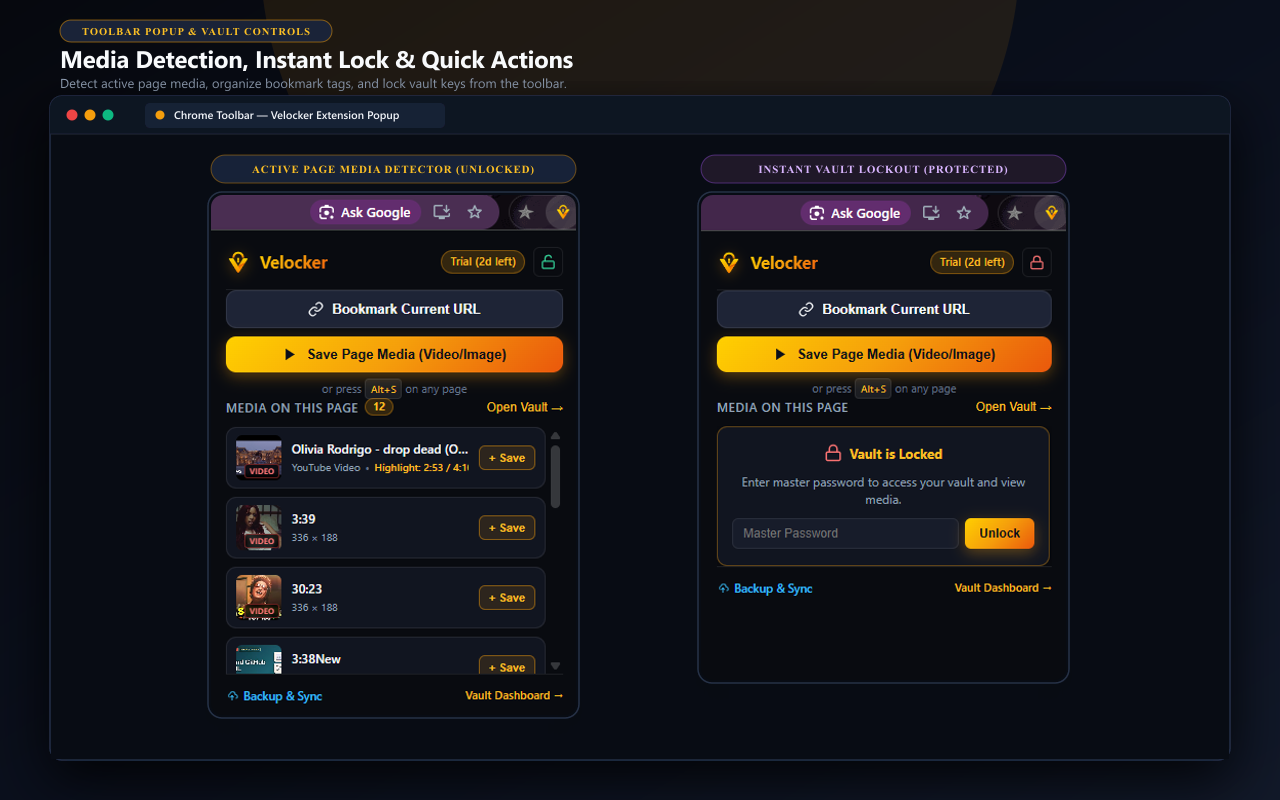
You don't need to copy URLs or clutter your browser's bookmark bar. While viewing compatible media or reading a research article, press Alt + S (Option + S on Mac), click the floating button on supported web players, or right-click to choose 'Save to Collection' with your personal list. VeLocker captures the link and saves your exact playback timestamp.
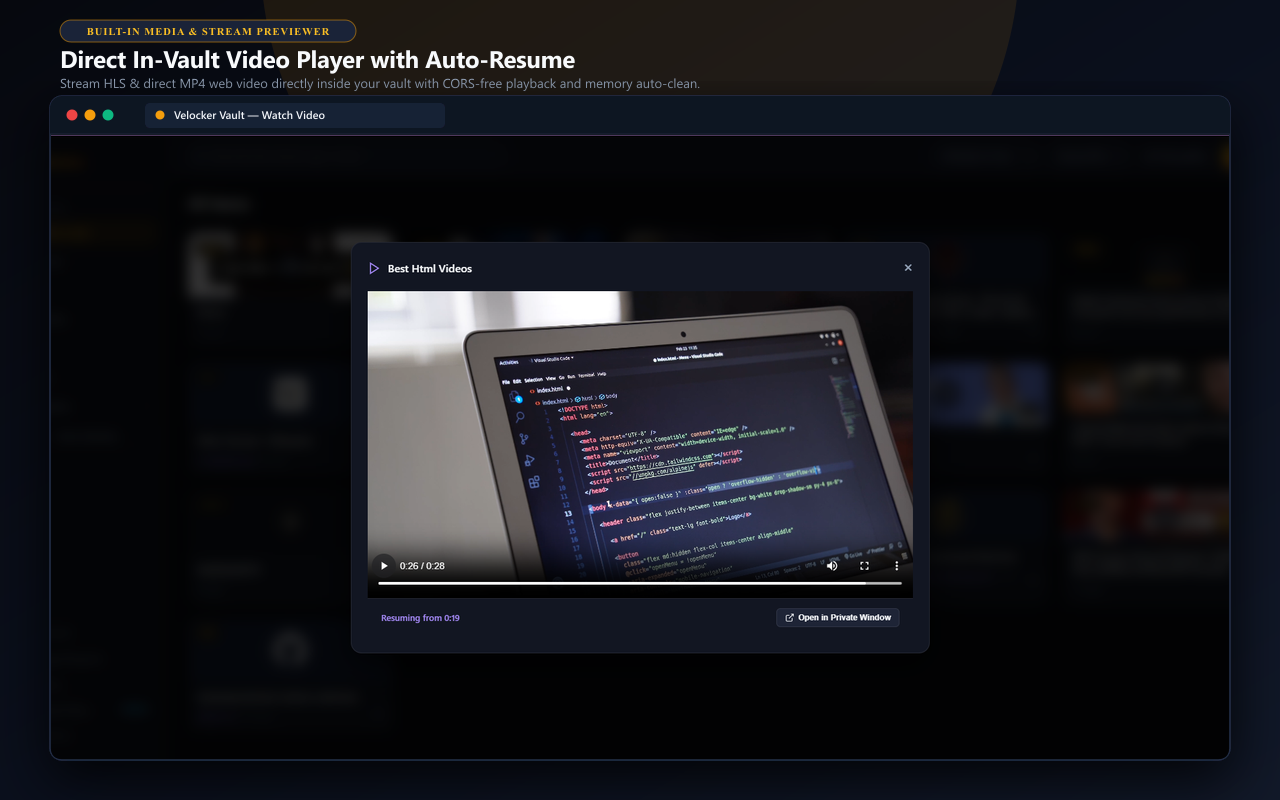
In-Vault Media & Stream Previewer
Review your saved media links without getting distracted by external tabs. VeLocker features an in-vault player that renders supported web videos and streams with automatic timestamp resuming. Fast, lightweight local playback keeps your research organized.
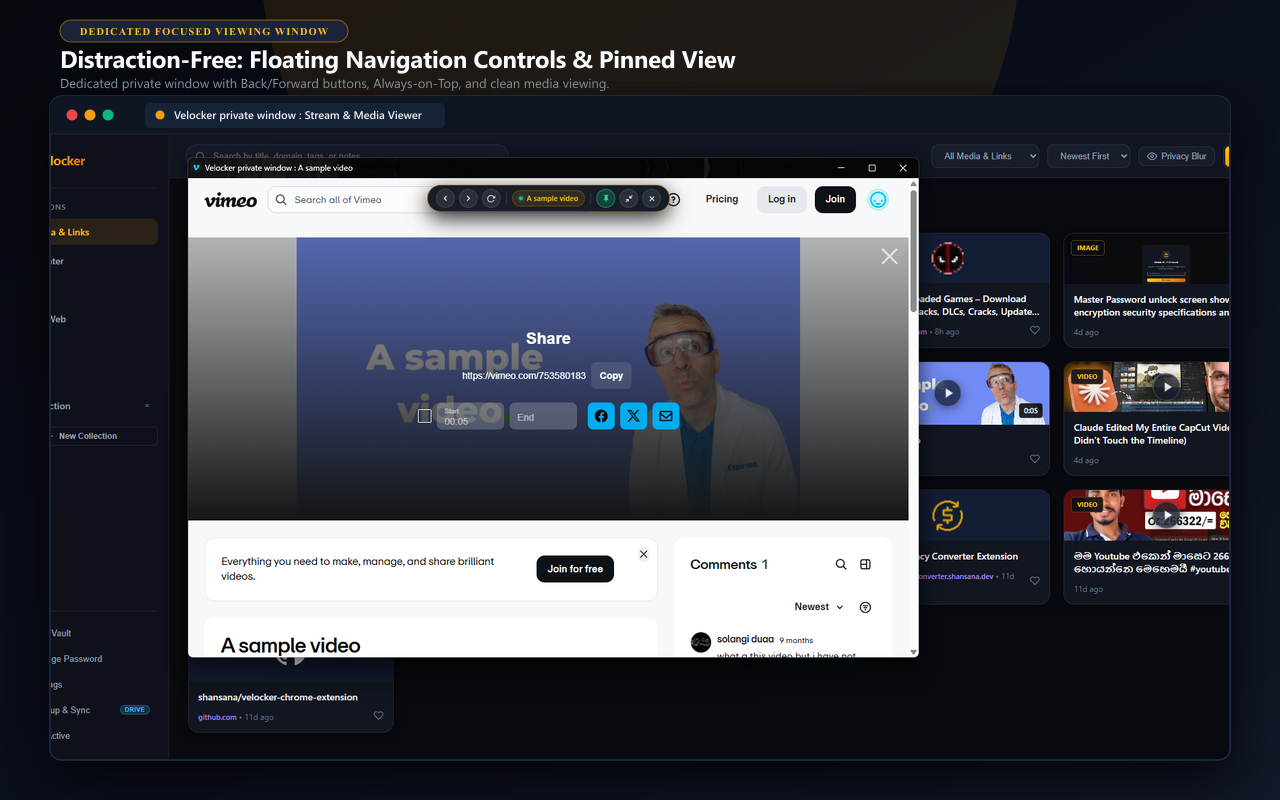
Dedicated Focused Viewing Window
Inspect saved media and research articles in a dedicated, isolated window designed for deep focus. Features a sleek floating navigation bar with Back, Forward, Reload, and Always-on-Top Pin controls for comfortable multi-tasking.
Organized Browsing History Management
Prevent research media and bookmark links from cluttering your daily browser address bar. When the history cleanup option is enabled in Settings (disabled by default), VeLocker can automatically remove the specific saved bookmark URL from your local Chrome history upon saving, or on-demand via the 'Clear Links from History' button in the extension popup. Chrome prompts you for the optional history permission on-demand only when you turn this feature on or click the cleanup button.
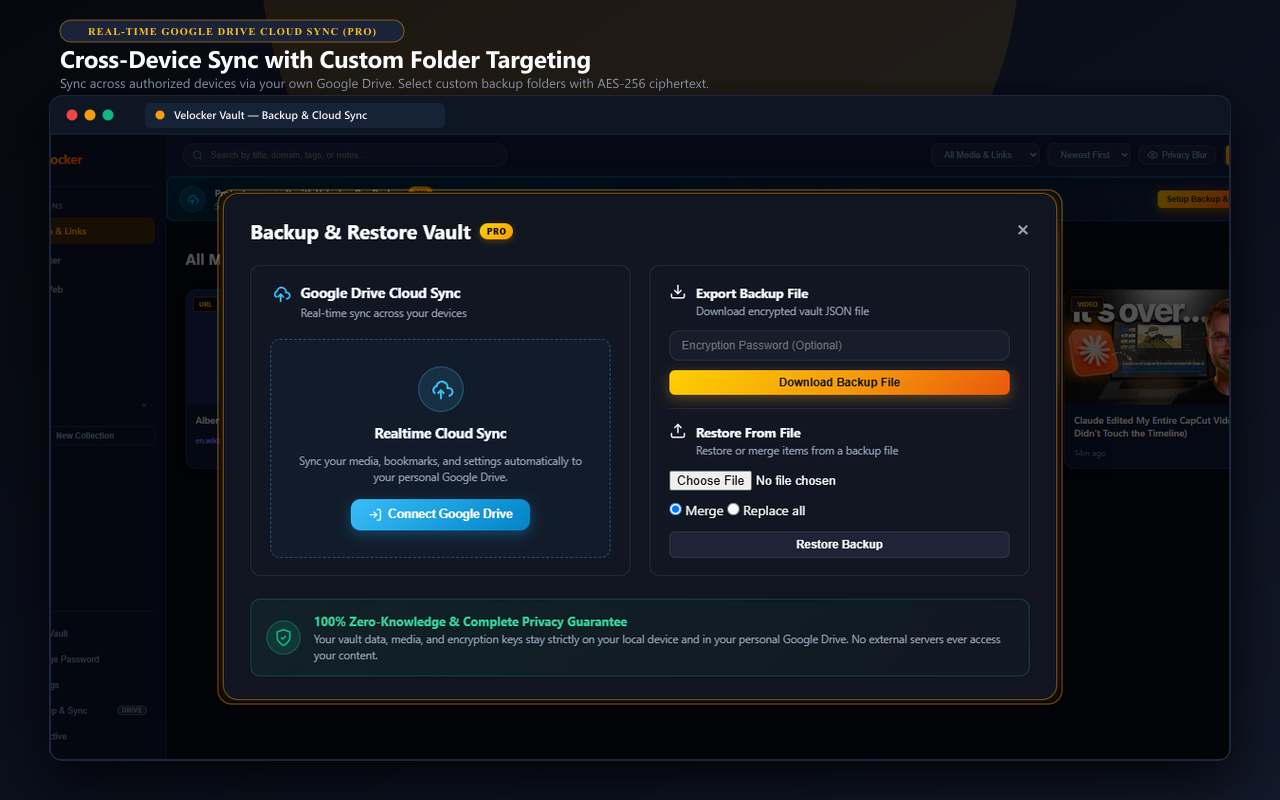
Sync Across Computers via Your Google Drive
Keep your saved media in sync across up to 2 computers with complete peace of mind. VeLocker Pro connects directly to your Google Drive account, letting you choose your target folder (e.g. 'VeLocker Backup' or a custom folder). Backups are encrypted locally with AES-256-GCM before uploading, ensuring your backup payload remains encrypted in your personal Google Drive account.
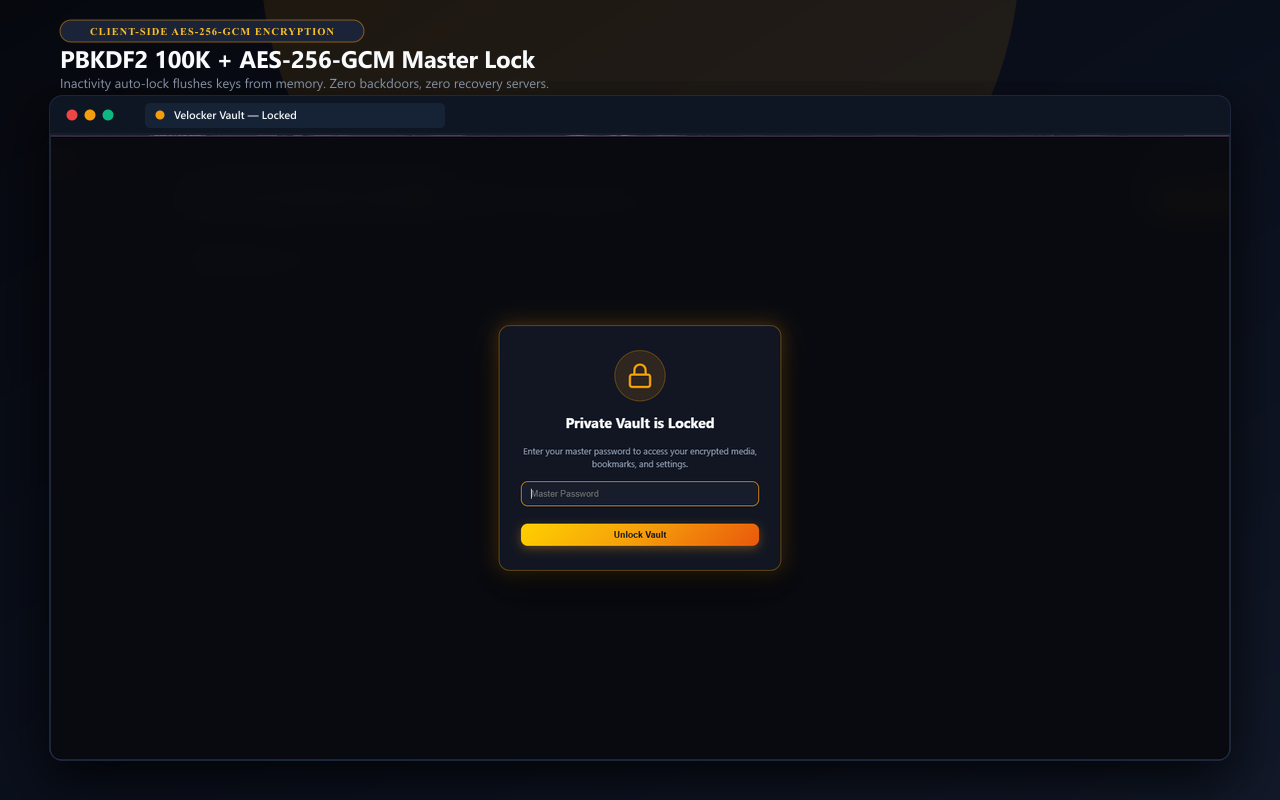
Master Password Lock & Screen Privacy Blur
Your master password is never stored on any server. VeLocker uses it with 100,000 rounds of PBKDF2 hashing and AES-256 encryption right inside Chrome. If you work in a shared room, coffee shop, or office, turn on Privacy Blur to soften all video thumbnails until you hover your mouse over them.
Experience Local-First Privacy in Action
Test local vault features, AES-256 encryption, and instant saving on your computer today with our 3-day free trial.